
Viewing the Application Information
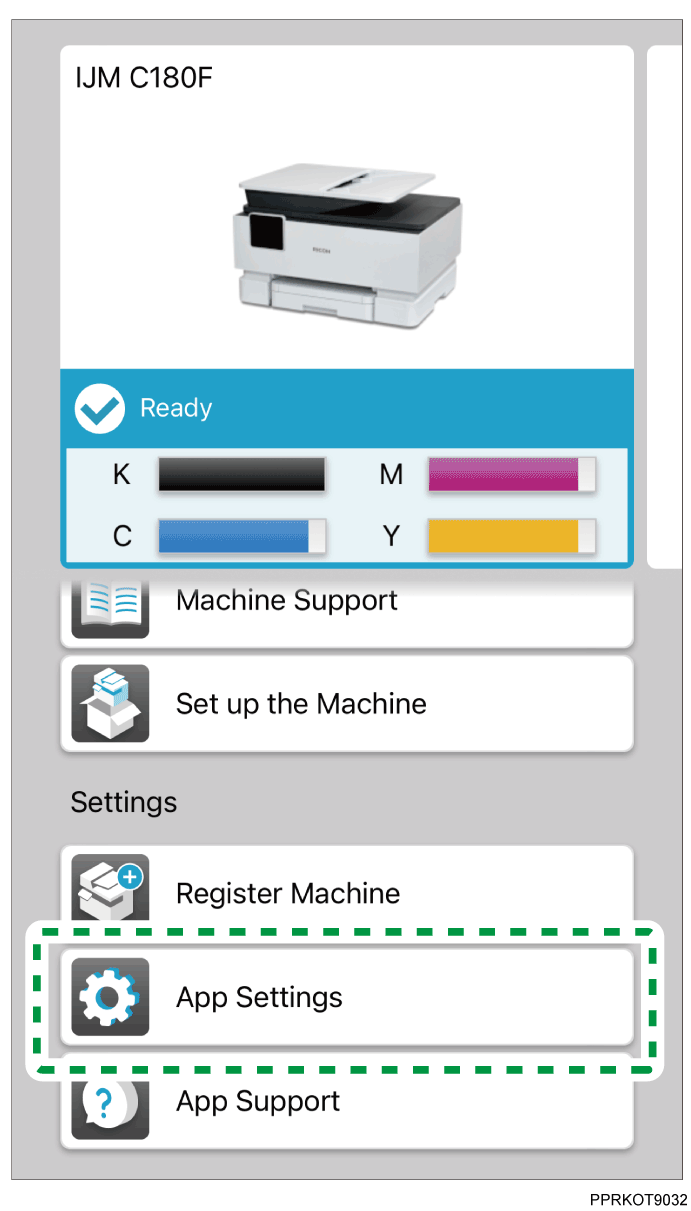
Tap [App Settings] on the top screen.
The application information screen appears.Tap [Region], [Open Source Software License], or [Terms of Use] to view the information.
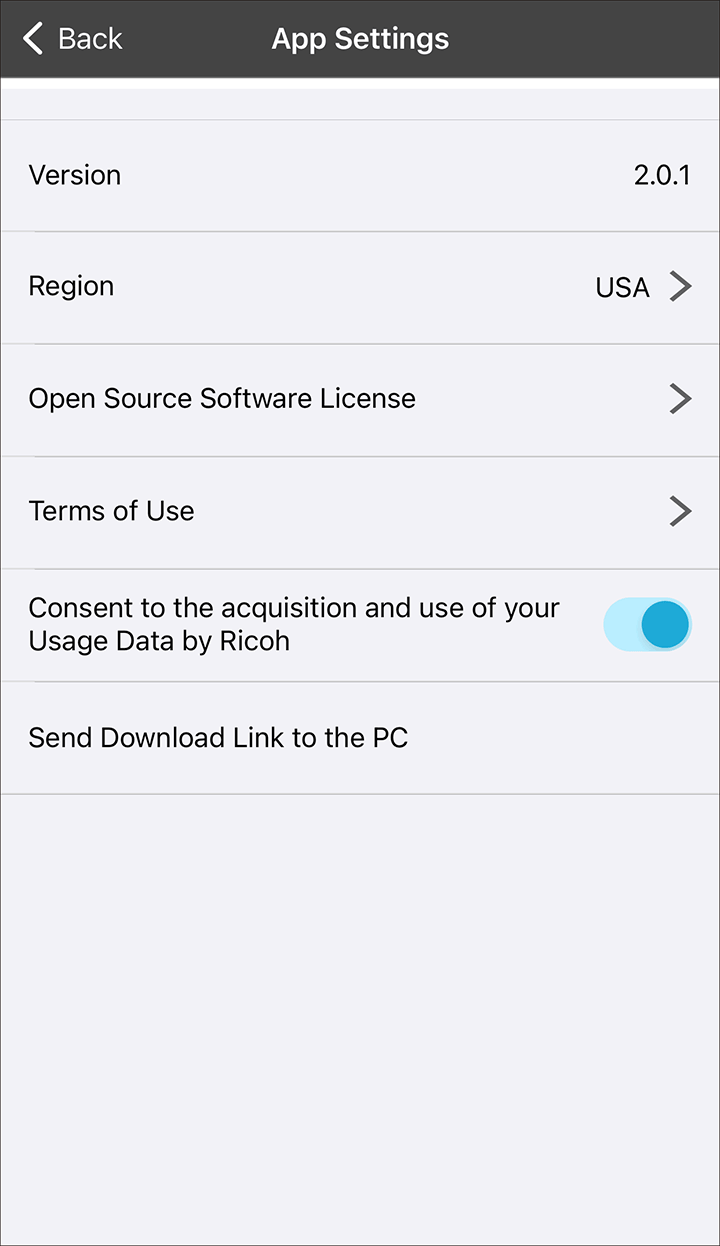
Tap [Consent to the acquisition and use of your Usage Data by Ricoh] to turn it on and allow sending your usage data.
If you use the printer with a PC (Windows/Mac), tap [Send Download Link to the PC] and follow the instructions on the screen to install the printer driver to your PC.