
Viewing the Printer Information
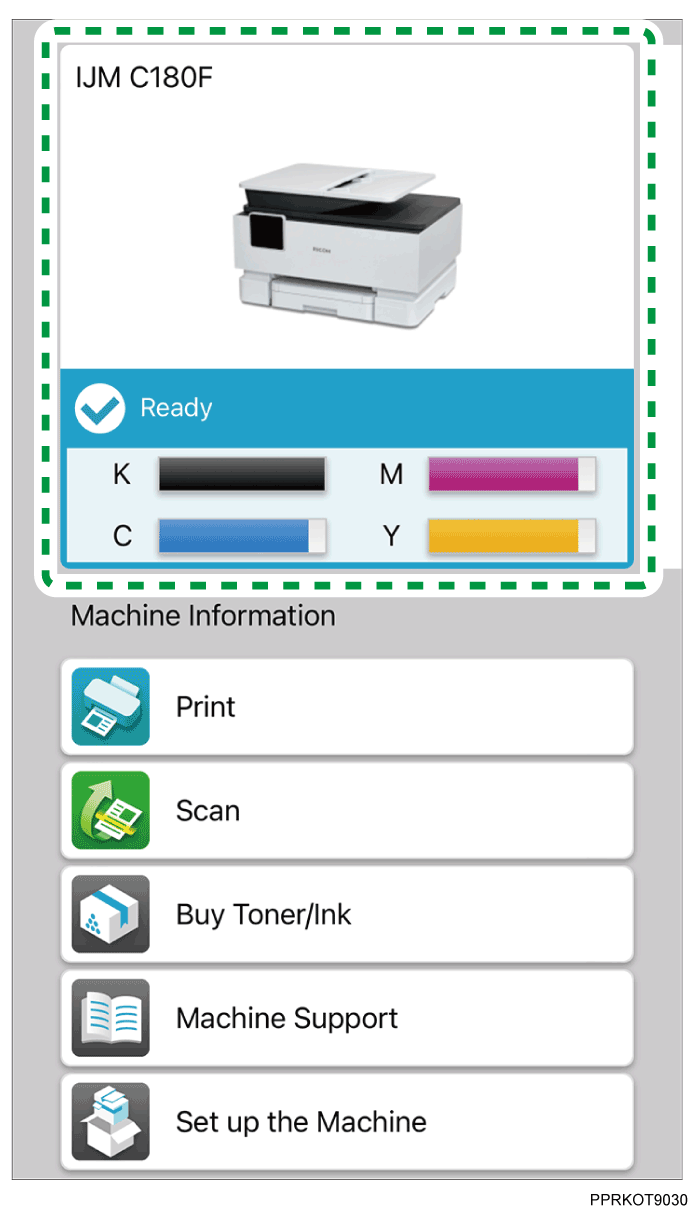
Tap the printer status display on the top screen.
The printer information screen appears.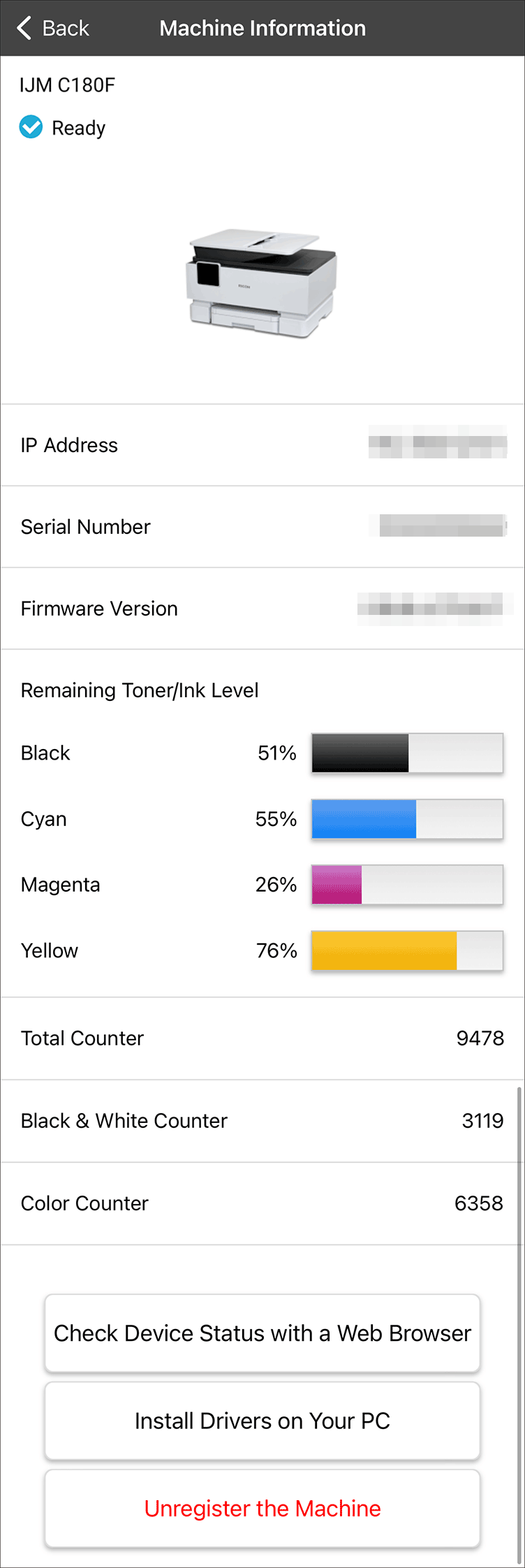

When the remaining of the consumables is low, the message is displayed on the printer status display. Tap [Click here to buy toner/ink.] to display the detailed information and tap [Open Online Store Site] to access the sales site.
Tap [Check Device Status with a Web Browser] to open the device management page in browser.
You can clear the registration of the printer by tapping [Unregister the Machine] on the screen.
If you use the printer with a PC (Windows/Mac), tap [Install Drivers on Your PC] and follow the instructions on the screen to install the printer driver to your PC.