
Finding a Printer with an IP Address
 Tap [Search by IP address] on the search result screen.
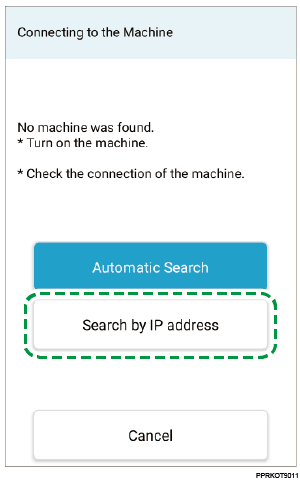
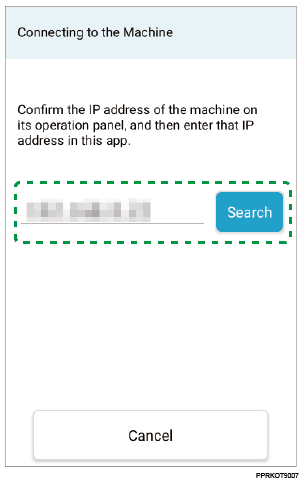
The IP address input screen appears.
 Enter the IP address of the printer, and tap [Search].
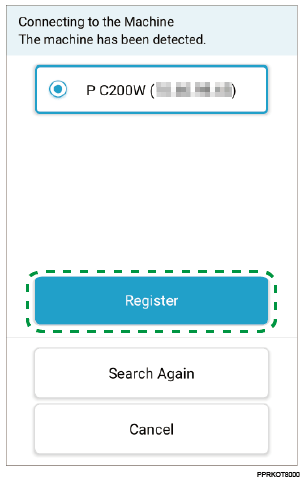
If the printer is found, the printer is displayed on the screen.

Specify an IP address in the IPv4 or IPv6 format.
 Tap [Register].
If the connection with the printer is established, the connection completion message appears.
 Tap [OK].
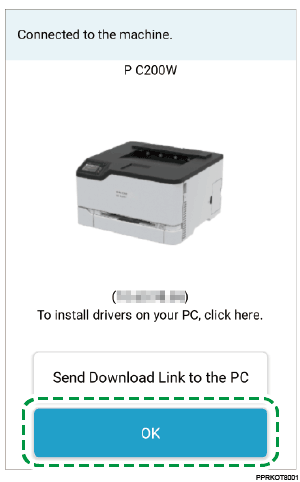
The top screen appears.
If you use the printer with a PC (Windows/Mac), tap [Send Download Link to the PC] and follow the instructions on the screen to install the printer driver to your PC.